Image generatorUpdated Oct 20, 2026

AI Image & Video Black Friday 2026

Black Friday is a bad time to guess. AI tool discounts are often a sticker price with a longer commitment, a smaller credit pack or a feature limit hidden in the fine print. This page is the opposite: a plain explanation of what the product does, what a credit buys and which pack fits which workload.

  • Browse without signing up
  • Credit costs are shown before you generate
  • Works on desktop and mobile
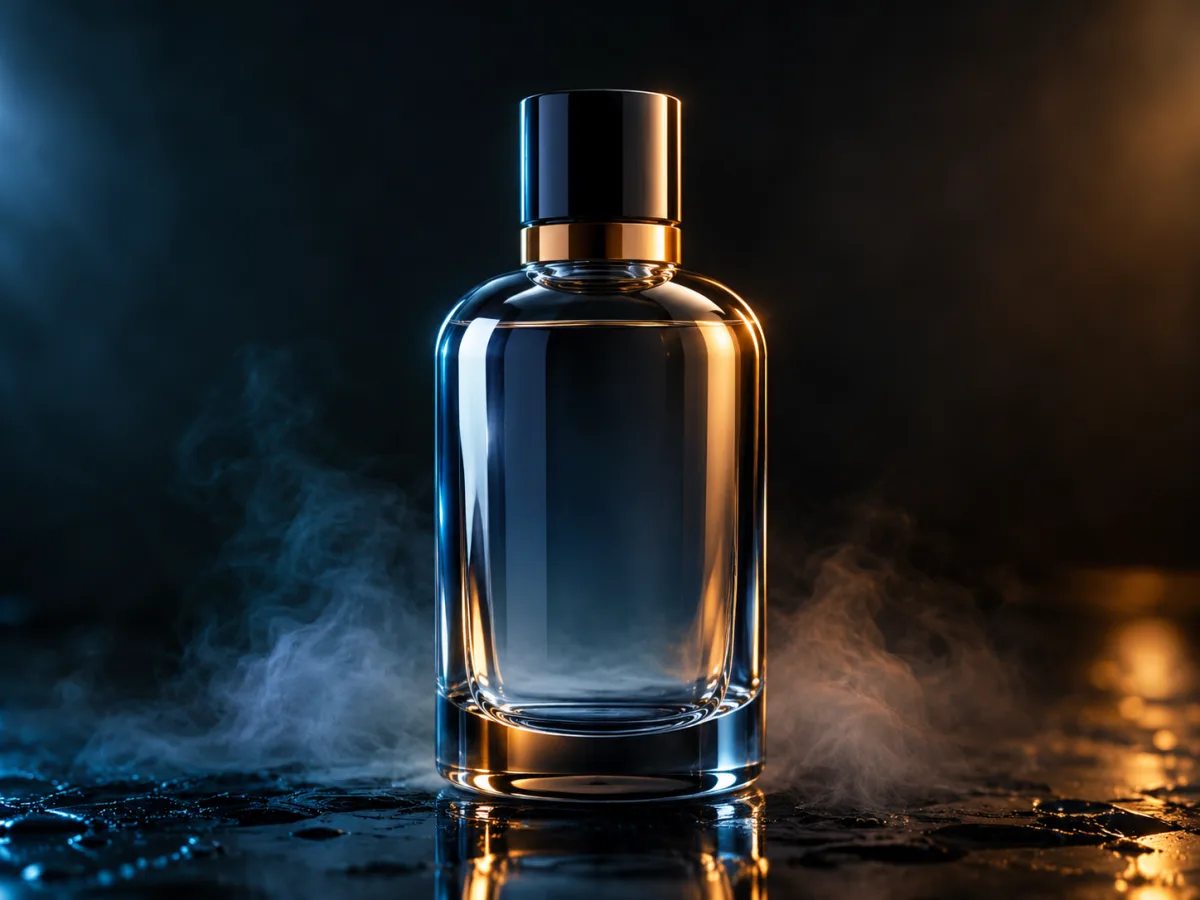
Premium dark studio product photograph with cool blue rim light and warm amber accent
Cyber Studio Product · Image generator

Quick answer

Black Friday 2026 falls on November 27, followed by Cyber Monday on November 30. This page explains what Text to PSD includes, how credits work and how to choose a pack. It does not invent a discount: any seasonal offer will be published here and on the Pricing page when it is active.

Written and tested by the Text to PSD product teamStandard image: 8 credits · Browser tools are free

Every example on this page was generated with GPT Image 2 using the same look described in the prompt. Example images are not customer photos.

Looks you can generate

We publish the current price on the Pricing page at all times. If a seasonal offer is active, it will be stated here with dates and eligibility. If it is not active, we will say so instead of running a fake countdown.

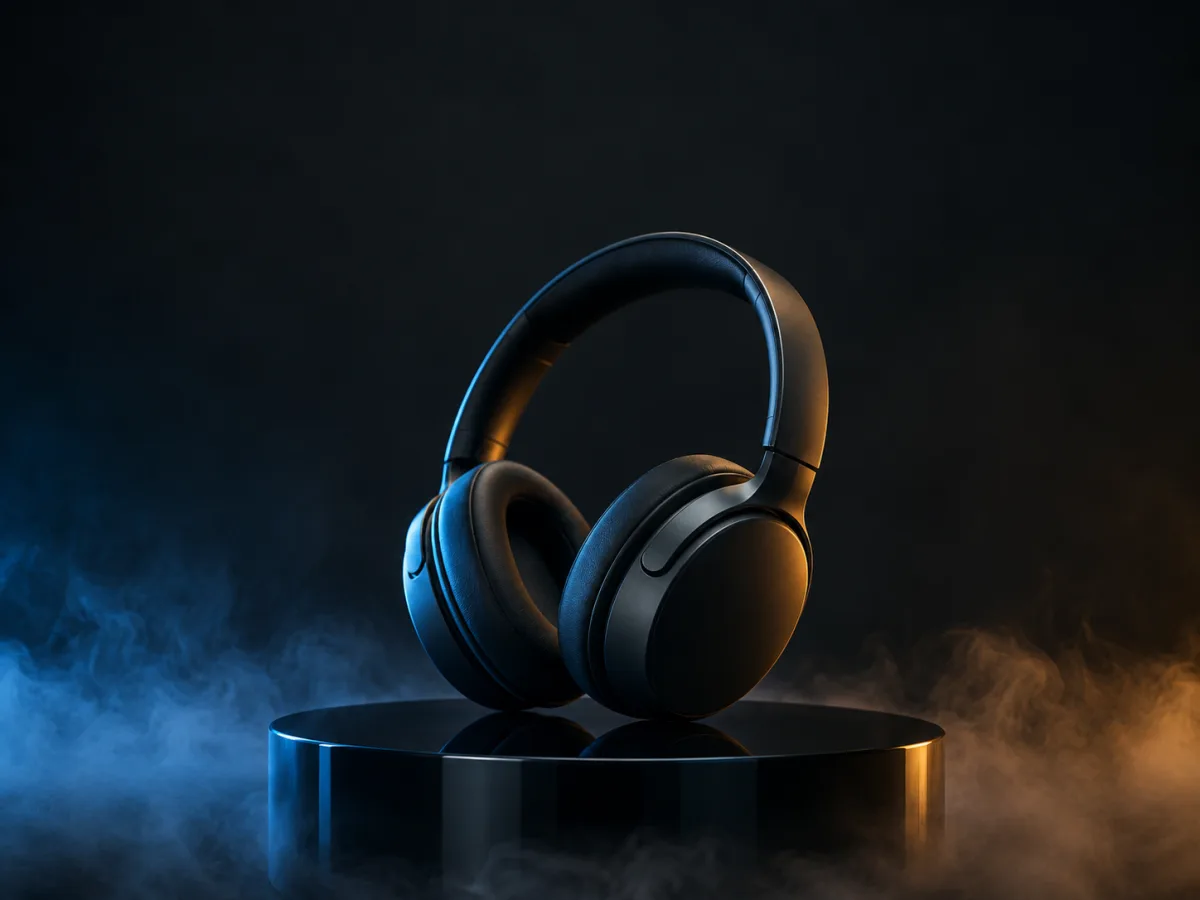
Premium dark studio product photograph with blue rim light and amber accent

Cyber Studio Product

A dark, premium product shot with blue and amber light. A useful test for ecommerce, ads and launch visuals.

Prompt recipe

Copy this prompt, open the workspace, upload your photo, and paste it into the prompt field.

Create a premium product photograph of a matte-black wireless headphone set on a dark glass pedestal. Use a deep charcoal studio background, a single cool blue rim light and a warm amber accent light, subtle fog at the base and precise reflections. The composition should feel like a high-end Black Friday campaign without any text, price tags or logos. Use photorealistic commercial photography, crisp material detail, controlled highlights and a shallow depth of field. Vertical breathing room above the product for a headline. No text, no watermarks.
Try this look
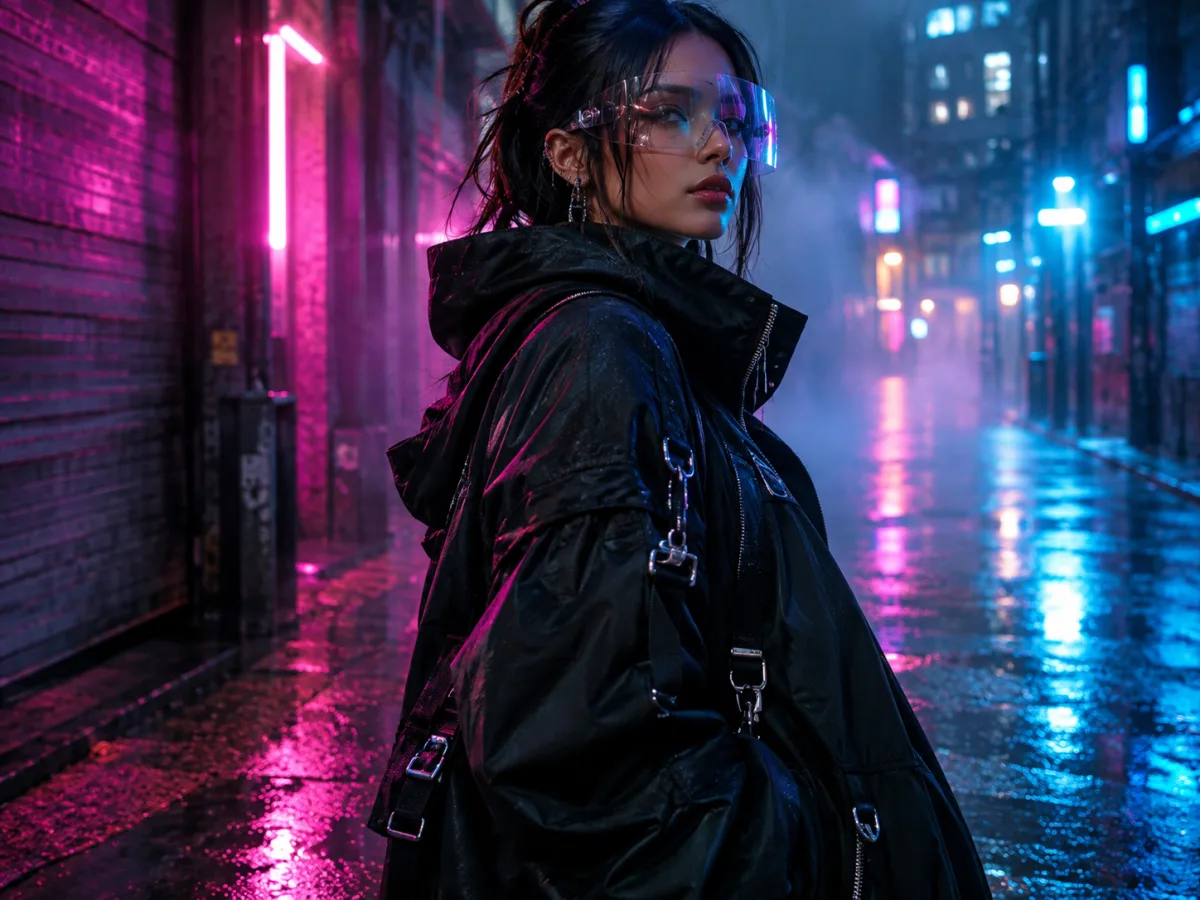
Futuristic fashion editorial portrait in a rainy neon alley

Neon Fashion Editorial

A rain-slicked neon street portrait with cinematic contrast. A good test for campaign and social imagery.

Prompt recipe

Copy this prompt, open the workspace, upload your photo, and paste it into the prompt field.

Editorial fashion photograph of a model in an original futuristic streetwear outfit: an oversized black jacket, silver hardware and a translucent visor. Shoot at night in a rain-slicked city alley with magenta and cyan neon reflections, soft haze and a shallow depth of field. Use cinematic lighting, realistic fabric and skin texture, a confident three-quarter pose and a premium campaign mood. No brand logos, no readable signs, no text and no watermarks.
Try this look

How it works

  1. Step 1

    Pick the workload, not the discount

    A pack is only a deal if it matches what you will actually make. Count the images or video seconds you need before comparing prices.

  2. Step 2

    Check the credit cost

    A standard GPT Image 2 image costs 8 credits. A five-second 720p fast image-to-video clip costs about 50 credits. Resolution and duration change the cost.

  3. Step 3

    Start small, then scale

    Use the smallest pack that covers a real project. Upgrade when you have a repeatable workflow, not before.

What Text to PSD includes

Text to PSD is an independent AI image and video workspace. The image side covers text-to-image and image-to-image editing. The video side covers text-to-video, image-to-video and reference-to-video. Around those hosted workflows, the site keeps a set of free browser tools for conversion, compression and quick file prep.

The product is built for people who need a usable visual quickly: creators, small teams, marketers and operators preparing a product image, a social post or a short clip. It is not a full Photoshop replacement and it does not promise a native layered PSD export unless the interface explicitly shows one.

  • Text-to-image and image-to-image editing
  • Text-to-video, image-to-video and reference-to-video
  • Free browser tools for conversion and compression
  • Credit packs and monthly or annual plans

How credits work

Credits are spent when a hosted generation runs. The cost depends on the model, resolution and duration. Images are usually a few credits; video is priced per second because it renders many frames.

A one-time pack is the simplest way to test the product. A monthly or annual plan makes sense when you have a steady workload. Credits keep their stated validity, and the Pricing page shows the current amounts.

  • Image: about 8 credits for a standard GPT Image 2 render
  • Video: about 50 credits for a five-second 720p fast clip
  • One-time packs: no subscription, use at your own pace
  • Plans: lower effective monthly cost for repeat work

How to choose a pack without overbuying

Start with a real project, not a hypothetical one. If you need ten product images, estimate eighty credits plus a few retries. If you need one short video, estimate fifty credits per five-second clip and double it for experiments.

Do not buy the largest pack because the per-credit price is lowest. The cheapest credit is the one you actually use. A smaller pack that matches your first project is usually the better first purchase.

What we will not do

We will not publish a fake countdown, a permanent discount or a crossed-out price that was never charged. If a Black Friday offer runs, it will have a start date, an end date and clear eligibility.

If you see a price on this page that differs from the checkout, the checkout is authoritative. Contact support before paying if anything looks inconsistent.

Who it is for

  • Testing an AI image workflow before committing to a plan
  • Stocking up for a holiday campaign
  • Choosing between a one-time pack and a subscription
  • Budgeting image and video credits for a launch

Frequently asked questions

When is Black Friday 2026?

Black Friday 2026 is November 27. Cyber Monday is November 30. Seasonal demand usually starts earlier in November and peaks around the holiday weekend.

Is there a Black Friday discount?

Any active offer is stated on this page and on the Pricing page with dates and eligibility. If no offer is stated, the current listed price applies. We do not run a permanent fake discount.

Should I buy a pack or a plan?

Buy a one-time pack if you have a single project or want to test the workflow. Choose a monthly or annual plan if you generate every week and want a lower effective monthly cost.

Do credits expire?

Credits have a stated validity that depends on the pack or plan. The exact validity is shown before purchase. Existing credits keep their original validity when you buy again.

Can I use the images commercially?

Commercial use is allowed within the Terms of Service. Make sure you own or have permission to use any source photo, and do not imply that a generated image is an official licensed product.

What if a generation fails?

If a generation fails, contact support with the task id. The Refund Policy explains how failed or incomplete jobs are reviewed.

Use a photo of yourself or one you have permission to use. Do not upload images of other people without consent.

Plan the work first, then pick the pack

See the current plans, estimate the credits your project needs and start with the smallest pack that covers it.