Image generatorUpdated Oct 20, 2026

Halloween Pet Costume Generator

Pet costumes are funny for about four minutes and uncomfortable for the rest of the night. A preview lets you get the joke without the stress. Upload a clear photo, pick a costume direction, and see whether the silhouette actually suits your animal.

  • Browse without signing up
  • Credit costs are shown before you generate
  • Works on desktop and mobile
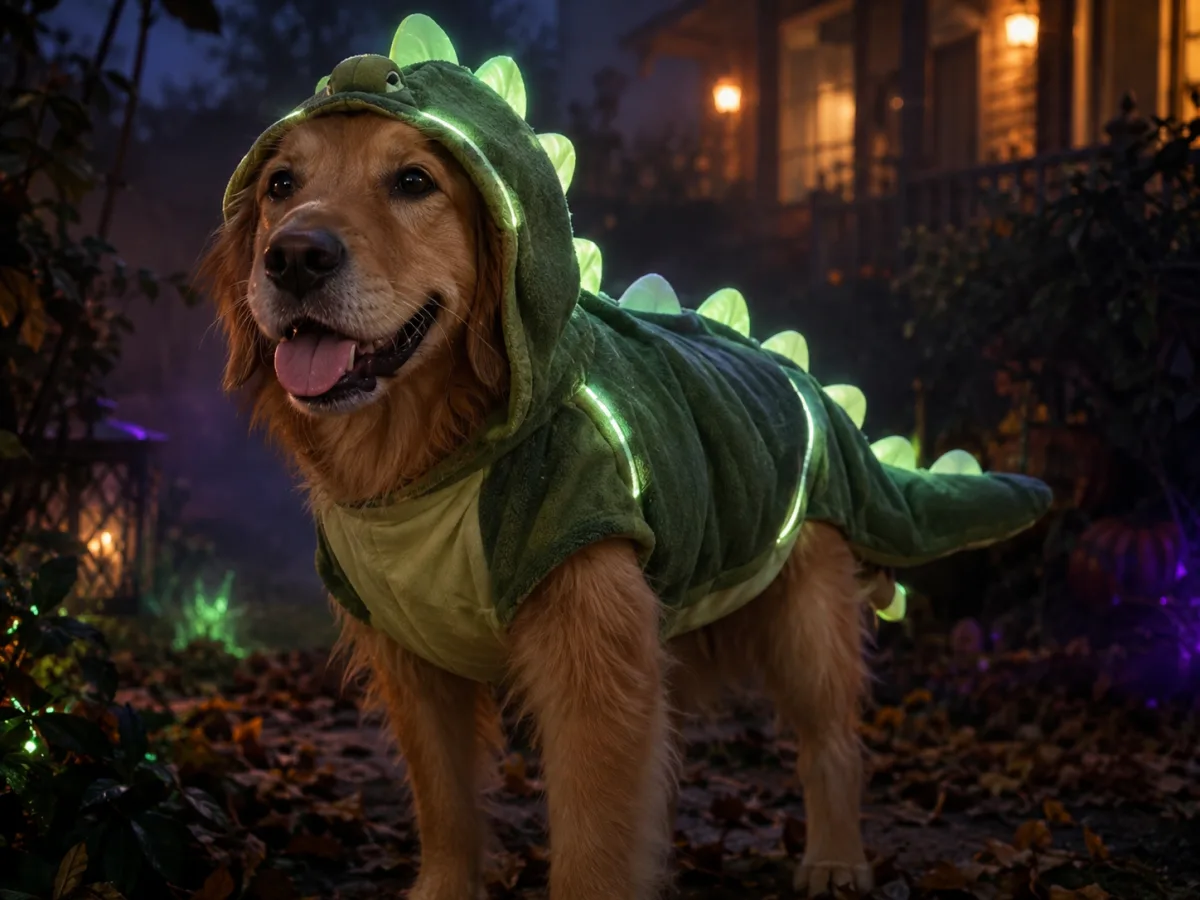
Dog wearing a glow in the dark dinosaur Halloween costume in a dark autumn garden
Glow Dinosaur · Image generator

Quick answer

A Halloween pet costume generator edits a photo of your dog or cat so you can see the costume before you buy it. It preserves the breed, fur pattern, eye color and face while adding a fitted costume and a matching scene. Your pet never has to wear anything to get the preview.

Written and tested by the Text to PSD product teamStandard image: 8 credits · Browser tools are free

Every example on this page was generated with GPT Image 2 using the same look described in the prompt. Example images are not customer photos.

Looks you can generate

The prompts are written for pet anatomy. They preserve the breed, markings and eye color, keep the costume off the eyes and muzzle, and avoid extra paws or duplicated limbs. That is the difference between a cute result and a cursed one.

Pet in a glowing green dinosaur Halloween costume in a dark garden

Glow Dinosaur

A soft green dinosaur hoodie with rounded spikes and luminous trim. The eyes and muzzle stay visible, and the costume looks wearable.

Prompt recipe

Copy this prompt, open the workspace, upload your photo, and paste it into the prompt field.

Use the uploaded pet photo as the primary reference. Preserve the animal's breed, fur color, markings, eye color and natural body shape. Create a realistic glow-in-the-dark dinosaur costume that fits the pet comfortably: a soft green hood with small rounded spikes, a padded back piece and a tiny tail, all with subtle luminous trim. Keep the eyes and muzzle fully visible and do not change the species. Place the pet in a dark autumn garden with faint green and violet glow, soft fog and warm porch lights in the background. Use photorealistic pet photography, realistic fur and fabric texture, natural shadows. Avoid extra animals, duplicated limbs, text and watermarks.
Try this look
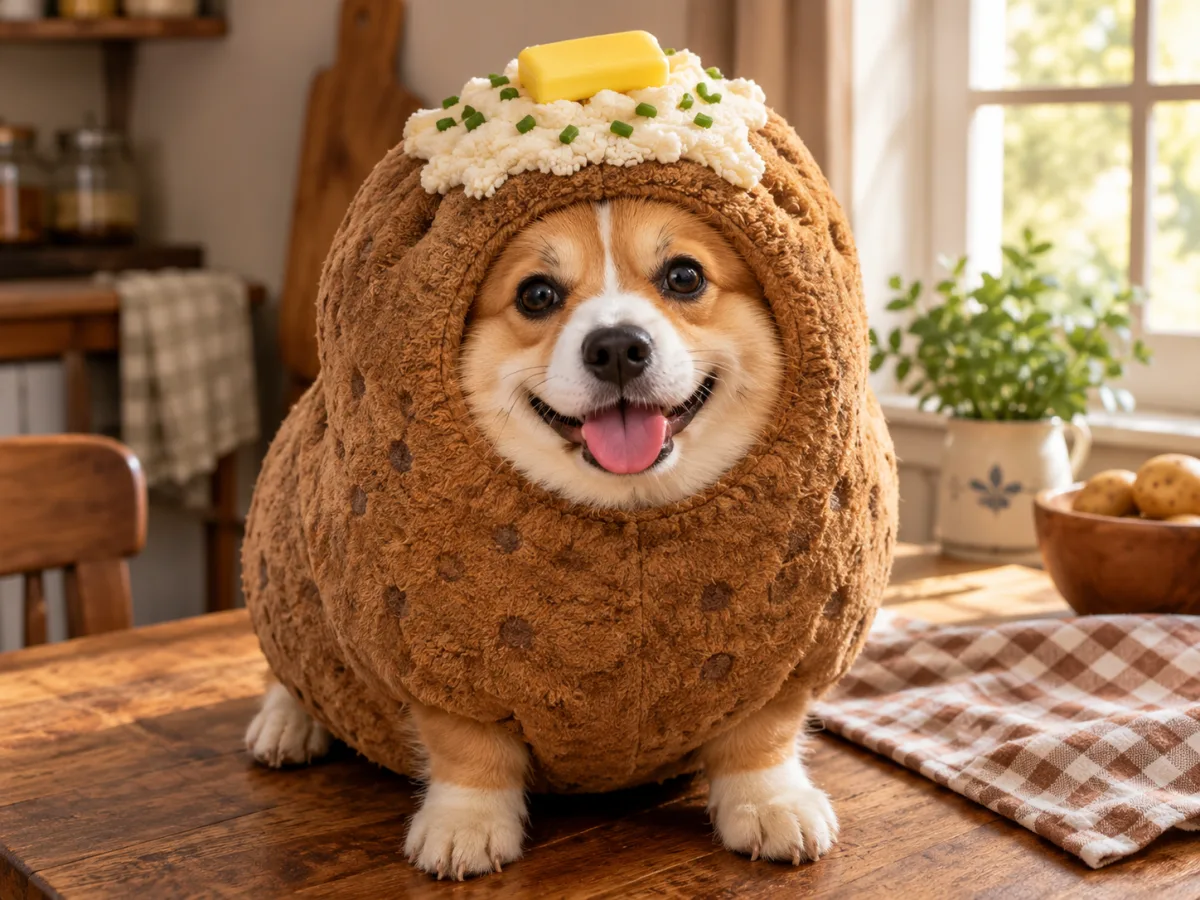
Pet wearing a baked potato Halloween costume on a rustic kitchen table

Baked Potato

A rounded plush potato costume with butter and chives. Silly, warm and surprisingly photogenic in kitchen light.

Prompt recipe

Copy this prompt, open the workspace, upload your photo, and paste it into the prompt field.

Use the uploaded pet photo as the primary reference. Preserve the animal's face, fur pattern, ears, eyes and natural anatomy. Dress the pet in a soft, rounded baked-potato costume with a textured brown plush body, a small pat of butter and a sprinkle of chives on top. The costume must look comfortable and wearable, with the pet's face and paws visible. Place the pet on a rustic wooden table with a checkered napkin and warm kitchen window light. Use humorous but polished editorial pet photography, realistic plush fabric and fur, shallow depth of field. Avoid extra animals, unnatural paws, distorted anatomy, text and watermarks.
Try this look

How it works

  1. Step 1

    Use a clear pet photo

    A front-facing photo with the eyes, ears and markings visible works best. Avoid heavy shadows, motion blur and crowded backgrounds.

  2. Step 2

    Pick a costume that suits the animal

    A hooded costume works for a patient dog. A food costume works for a round cat. Match the shape to the animal, not the other way around.

  3. Step 3

    Check the face before you buy

    If the preview covers the eyes or changes the breed, try a different prompt or photo. The costume should frame the face, not hide it.

Why preview a pet costume first

A costume that looks cute on a hanger can look completely different on a specific animal. The preview shows the proportion: how a hood sits between the ears, how a cape falls over the back, whether the costume makes the pet look like a different breed.

It also saves money. Pet costumes are often worn once, and sizing is unreliable across brands. A generated preview is a cheap way to decide whether the idea is worth buying.

  • Check the costume proportion before ordering
  • Avoid costumes that cover the eyes or muzzle
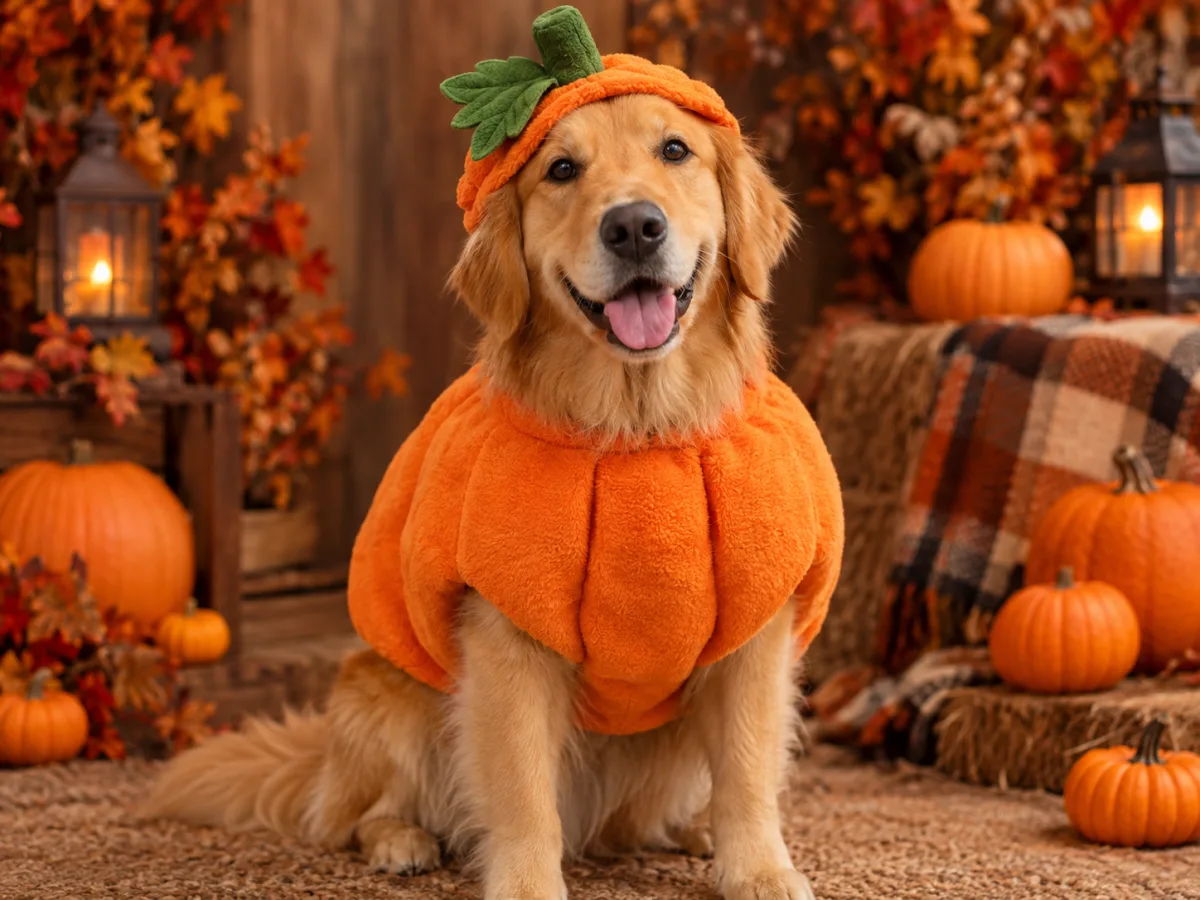
  • Test a food costume, a dinosaur or a classic pumpkin
  • Make a matching set for two pets

Keeping the pet recognizable

The breed, fur color, markings and eye color are the identity anchors. A good prompt names them before the costume. If the result changes the breed, add a line that says preserve the exact breed and fur pattern.

The face is the second anchor. Ask for the eyes and muzzle to stay visible. A costume that hides the face loses the pet's expression, which is the whole point of the photo.

Dog and cat differences

Dogs usually work well with hooded costumes, capes and collars. Cats work better with a simple collar, a small hat or a food-shaped body piece that does not restrict movement. The prompt should match the animal's body shape and tolerance.

For cats, a calmer pose and a simpler costume produce a more believable image. For dogs, a full-body costume with a visible face reads more clearly in a thumbnail.

A note on real pet safety

This page generates an image, not a physical costume. If you buy a real costume, check that it does not restrict breathing, vision or movement, and never leave a dressed pet unattended. A photo preview is the safest part of the process.

If your pet dislikes clothing, use the generated image and skip the real costume. The joke still works.

Who it is for

  • Deciding whether a costume suits your dog or cat
  • Making a funny profile photo or holiday card
  • Testing a matching look for two pets
  • Creating a costume idea without stressing the animal

Frequently asked questions

Does this work for cats?

Yes. Use a clear photo with the face and ears visible, and choose a simpler costume such as a collar, a small hat or a food-shaped body piece. Calm poses produce the most believable results.

Will it change my pet's breed?

The prompts preserve the breed, fur pattern and eye color, but some drift is possible. If the result looks like a different animal, repeat the breed and markings in the prompt and use a sharper source photo.

Can I do two pets in one image?

Yes, but use two clear photos and state exactly two animals. Multi-pet edits are harder; generate each pet separately first, then combine the best results.

Is the costume real?

No. The output is an AI image. If you want a physical costume, use the image as a reference and check real sizing, materials and safety before buying.

Can I use the image on social media?

Yes for personal use. For commercial use, make sure you own the source photo and check the Terms of Service. Do not imply that the costume is an official licensed product.

What photo should I avoid?

Avoid photos with motion blur, heavy shadows, other animals in the frame, or the pet facing away. A sharp, front-facing photo in daylight is the easiest starting point.

Use a photo of yourself or one you have permission to use. Do not upload images of other people without consent.

See the costume before your pet does

Upload one pet photo and preview a pumpkin, dinosaur or food costume in about a minute.